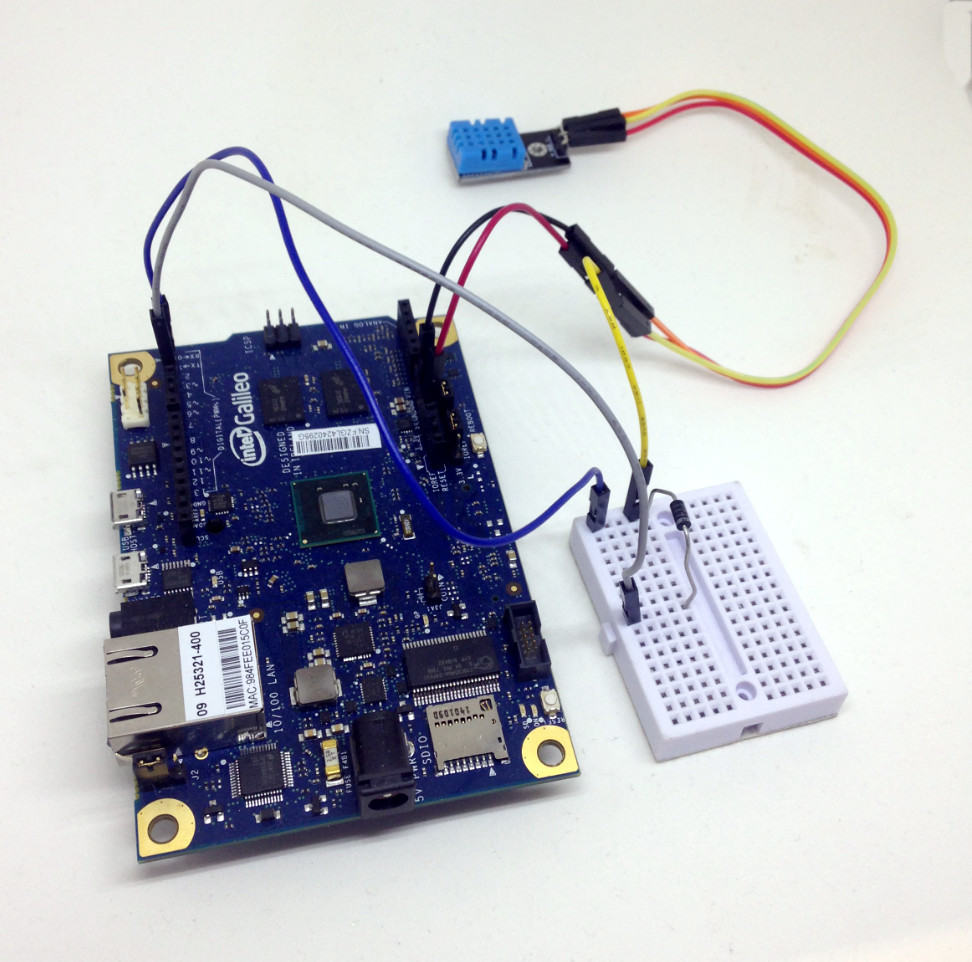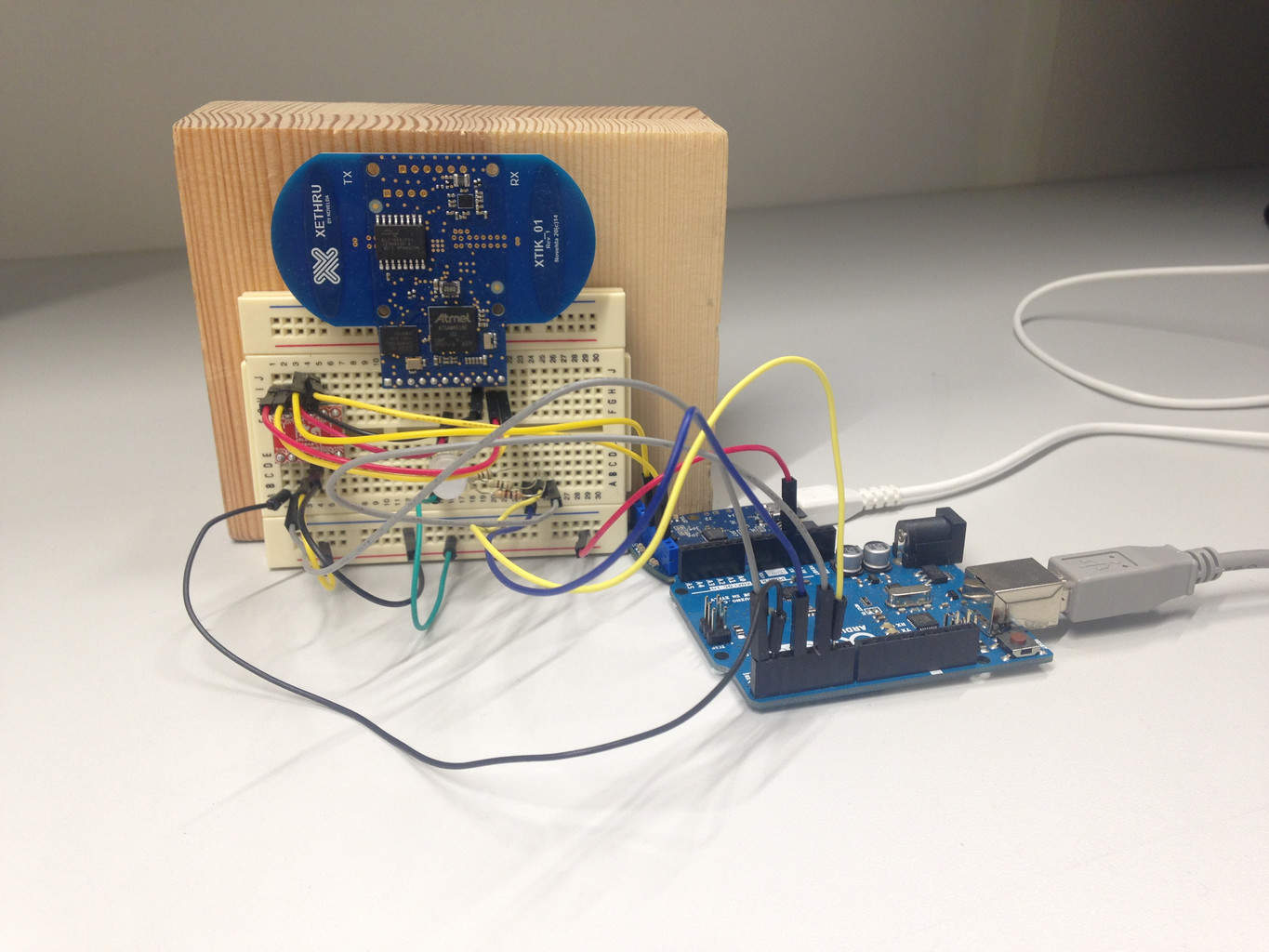

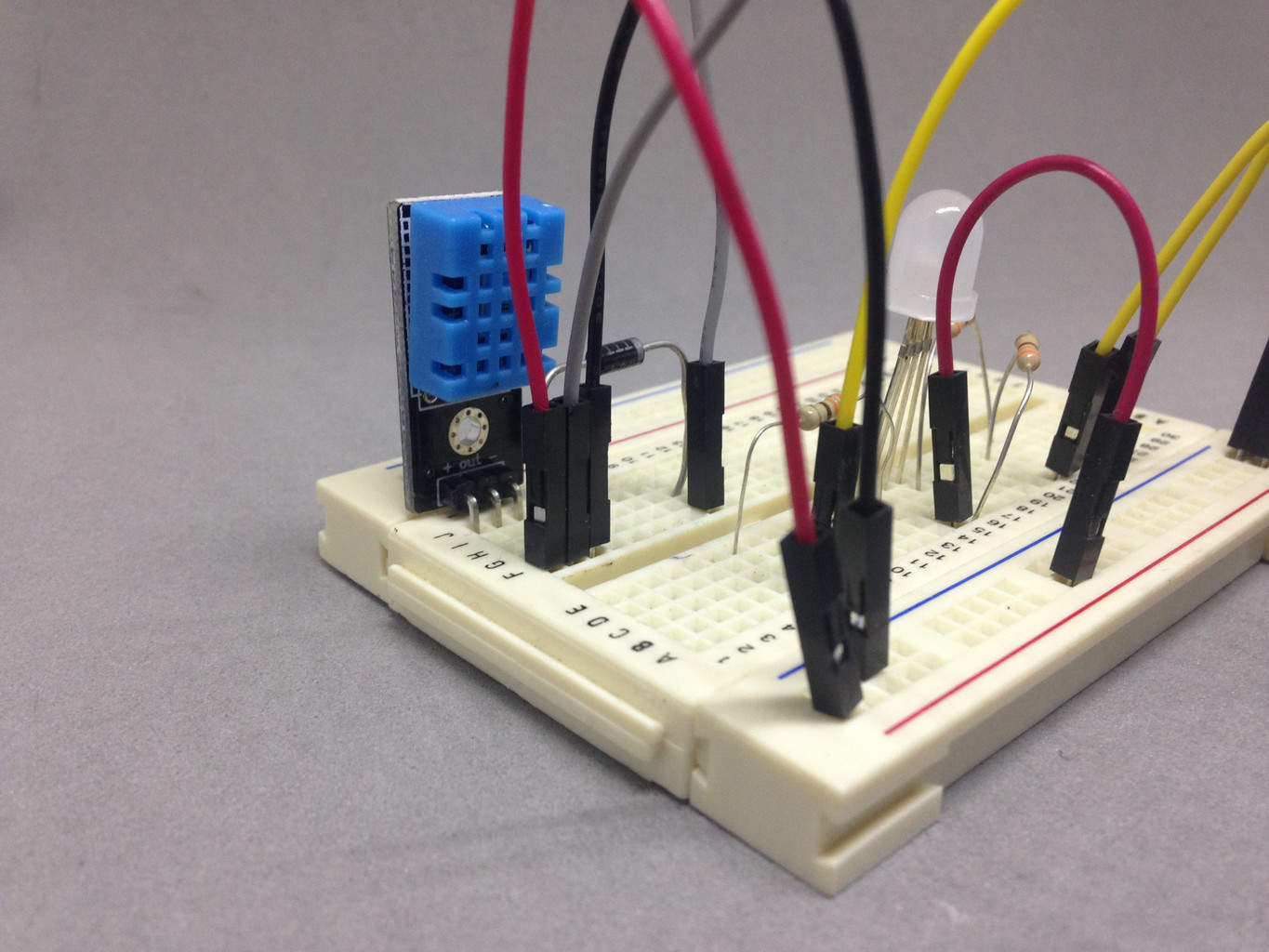
 In this tutorial, I’ll show you how to create a color-changing lamp with Intel Galileo.
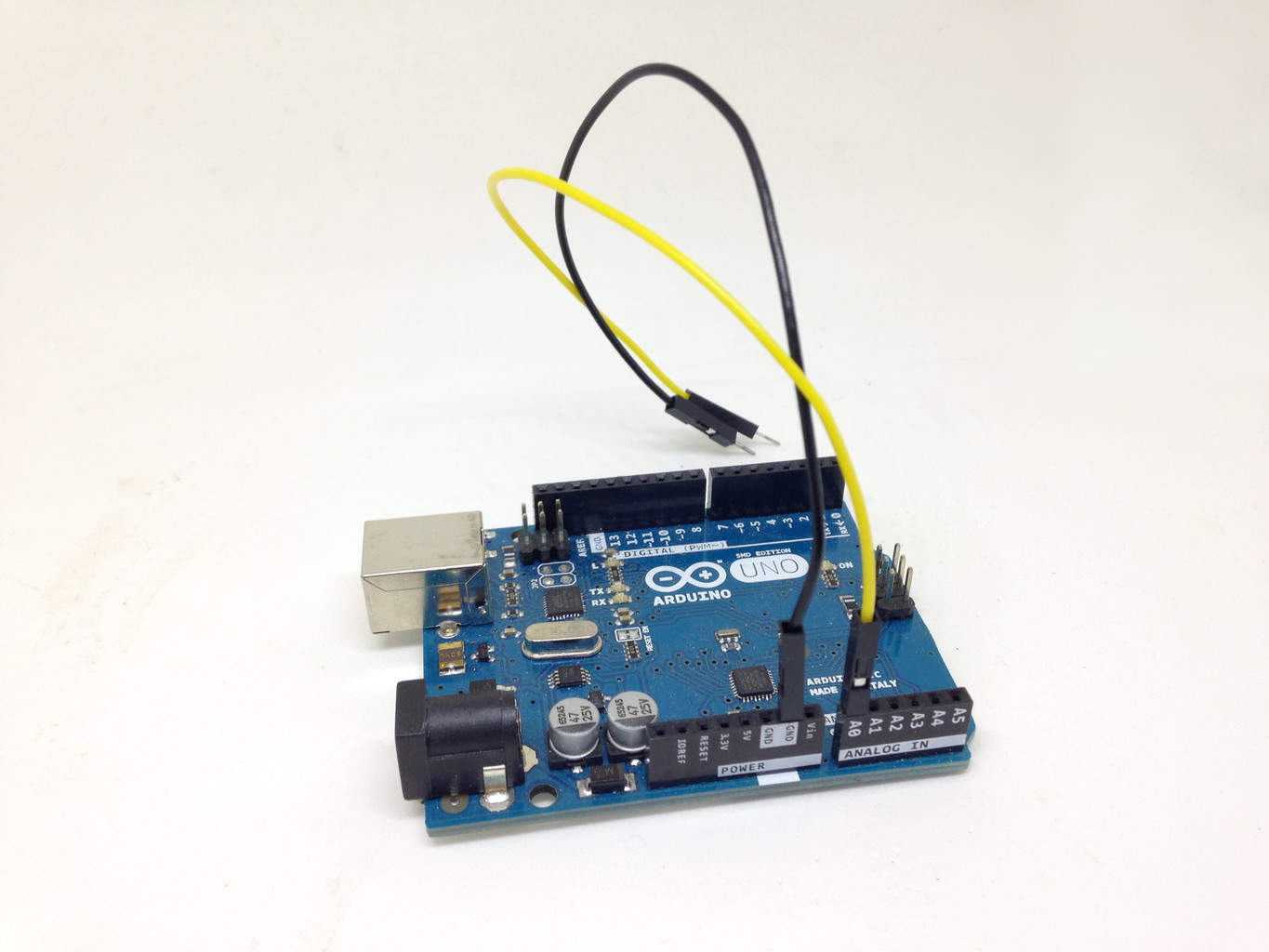
You’ll convert from a temperature to a color on an RGB LED. You can also build this project with an Arduino, pretty much the same way.
If you’re new to this board, check out how to get started with Intel Galileo.